

Animated Gradient Generator
Settings
Preview
drag the handles to move colorsCSS
apply it to any element/* Typed custom properties so the centers can be animated */
@property --ag-x0 { syntax: "<percentage>"; inherits: false; initial-value: 18%; }
@property --ag-y0 { syntax: "<percentage>"; inherits: false; initial-value: 24%; }
@property --ag-x1 { syntax: "<percentage>"; inherits: false; initial-value: 82%; }
@property --ag-y1 { syntax: "<percentage>"; inherits: false; initial-value: 26%; }
@property --ag-x2 { syntax: "<percentage>"; inherits: false; initial-value: 72%; }
@property --ag-y2 { syntax: "<percentage>"; inherits: false; initial-value: 78%; }
@property --ag-x3 { syntax: "<percentage>"; inherits: false; initial-value: 24%; }
@property --ag-y3 { syntax: "<percentage>"; inherits: false; initial-value: 80%; }
@keyframes ag-float {
0%, 100% {
--ag-x0: 18%; --ag-y0: 24%;
--ag-x1: 82%; --ag-y1: 26%;
--ag-x2: 72%; --ag-y2: 78%;
--ag-x3: 24%; --ag-y3: 80%;
}
50% {
--ag-x0: 8%; --ag-y0: 33%;
--ag-x1: 92%; --ag-y1: 17%;
--ag-x2: 62%; --ag-y2: 69%;
--ag-x3: 34%; --ag-y3: 89%;
}
}
.gradient {
position: relative;
isolation: isolate;
--ag-x0: 18%;
--ag-x1: 82%;
--ag-x2: 72%;
--ag-x3: 24%;
--ag-y0: 24%;
--ag-y1: 26%;
--ag-y2: 78%;
--ag-y3: 80%;
background-color: #0b1020;
background-image:
radial-gradient(circle at var(--ag-x0) var(--ag-y0), #ff5b04 0%, transparent 55%),
radial-gradient(circle at var(--ag-x1) var(--ag-y1), #4a6cf7 0%, transparent 55%),
radial-gradient(circle at var(--ag-x2) var(--ag-y2), #c45bf7 0%, transparent 55%),
radial-gradient(circle at var(--ag-x3) var(--ag-y3), #0ea5a3 0%, transparent 55%);
animation: ag-float 14s ease-in-out infinite;
}
/* Self-contained procedural grain */
.gradient::before {
content: "";
position: absolute;
inset: 0;
border-radius: inherit;
pointer-events: none;
background-image: url("data:image/svg+xml,%3Csvg%20xmlns%3D'http%3A%2F%2Fwww.w3.org%2F2000%2Fsvg'%20width%3D'180'%20height%3D'180'%3E%3Cfilter%20id%3D'n'%3E%3CfeTurbulence%20type%3D'fractalNoise'%20baseFrequency%3D'0.9'%20numOctaves%3D'2'%20stitchTiles%3D'stitch'%2F%3E%3CfeColorMatrix%20type%3D'saturate'%20values%3D'0'%2F%3E%3C%2Ffilter%3E%3Crect%20width%3D'100%25'%20height%3D'100%25'%20filter%3D'url(%23n)'%2F%3E%3C%2Fsvg%3E");
background-size: 180px 180px;
mix-blend-mode: soft-light;
opacity: 0.28;
}Understand
What is a mesh gradient ?
A mesh gradient blends several color "blobs" across a surface instead of running one color into another in a straight line. Here each blob is a soft radial gradient with a draggable center, layered over a base color — move them around and the colors pool and mix like ink in water.
Two finishing touches sell the look: a layer of fine film grain (a procedural noise texture blended over the top) that stops the gradient looking flat and banded, and motion. Because the blob centers are typed with @property, they can be animated smoothly — so the whole mesh drifts on its own. Everything is plain, self-contained CSS you can paste anywhere.
FAQ
Frequently asked questions
How do I move the gradient colors around?
Drag the round handles directly on the preview — each handle is the center of one color blob. The CSS updates live as you drag, so you can compose the mesh visually instead of guessing percentages.
What makes the gradient animate smoothly?
The blob centers are registered with @property as typed <percentage> values. Plain CSS custom properties can't be animated, but typed ones can — so the centers interpolate smoothly inside @keyframes, giving a fluid drifting mesh rather than a stepped jump.
Where does the texture come from?
You can pick Grain — a procedural feTurbulence noise tile embedded as an inline SVG data URI, so that option is fully self-contained — or a Canvas or Paper texture. The texture sits in a ::before overlay blended over the mesh with mix-blend-mode, and the intensity slider controls its opacity. The Canvas and Paper options reference a small hosted image, so the copied CSS links to it; swap in your own URL any time.
Will the animation work in every browser?
@property is supported in all current major browsers (Chrome, Edge, Safari, Firefox). The Float animation needs it for the moving centers; the Hue shift animation works without @property. If a very old browser lacks @property, it still shows the static gradient — just not the drift.
Does the animation hurt performance?
The Float animation repaints the gradient each frame, so use a slower speed for large full-page backgrounds. For lighter pages it's fine. If you want motion with the least cost, the Hue shift option animates a single filter instead.
Tools
More design tools
Tools and content carefully crafted by Hire Digital especially for you
CSS
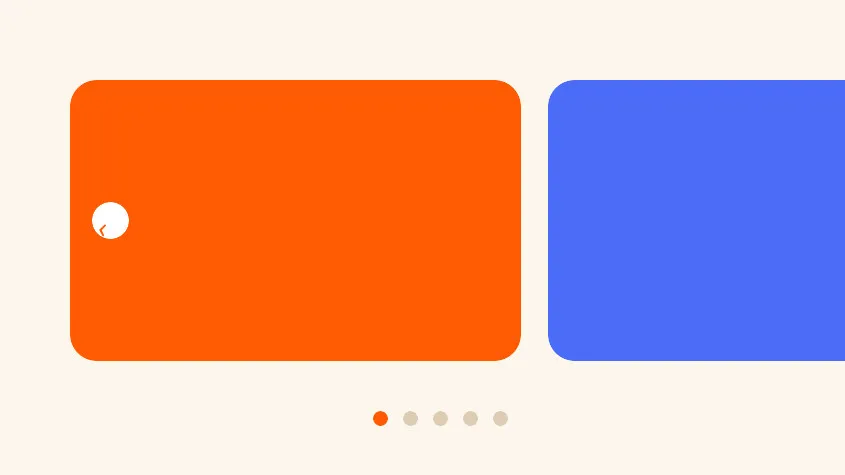
CSS Carousel Generator
Generate a carousel with zero JavaScript using CSS pseudo-elements. Tune peek, spacing, dots, and arrows, then copy the HTML and CSS.
CSS
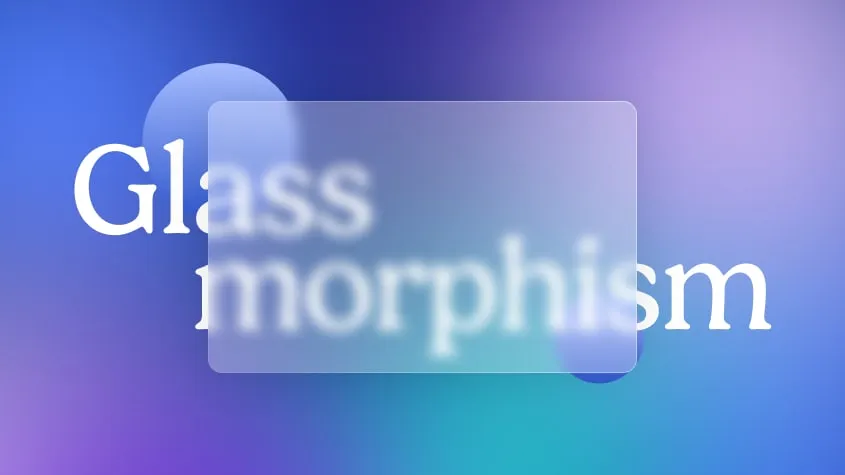
Glassmorphism CSS Generator
Try and generate your own glass effect. Copy and paste the CSS snippet into your frontend to use the effect.
CSS
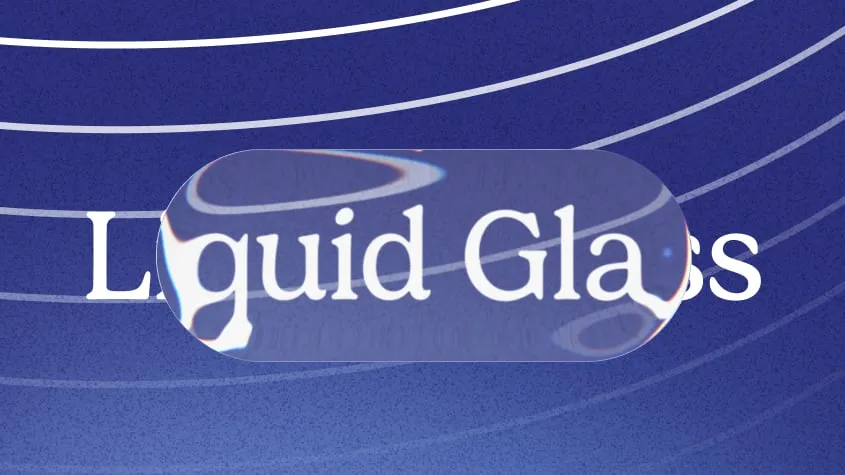
Liquid Glass CSS Generator
Tune a refractive, frosted-glass effect with live SVG distortion. Copy and paste the CSS and SVG snippet to use it on your site.

SEO
Rich Results Preview & Schema Validator
Paste JSON-LD or page HTML and see live SERP rich-result previews for Article, Product, FAQ, Recipe, Event, Video, JobPosting, and more — with full Schema.org validation.
SEO
llms.txt Generator
Generate an llms.txt file for your site — the Markdown index that tells ChatGPT, Claude, and Perplexity what your pages are. Crawls your sitemap and builds a clean index from your real page metadata.
SEO
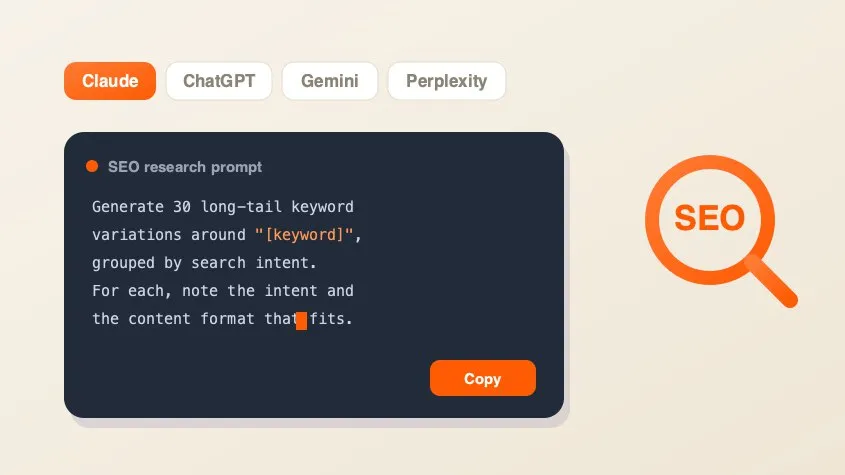
SEO AI Prompt Cheatsheet
A free library of copy-paste AI prompts for SEO research — keyword research, search intent, content briefs, competitor gaps, and metadata. Tailored for Claude, ChatGPT, Gemini, Perplexity, or Grok and filled with your keyword.
Marketing
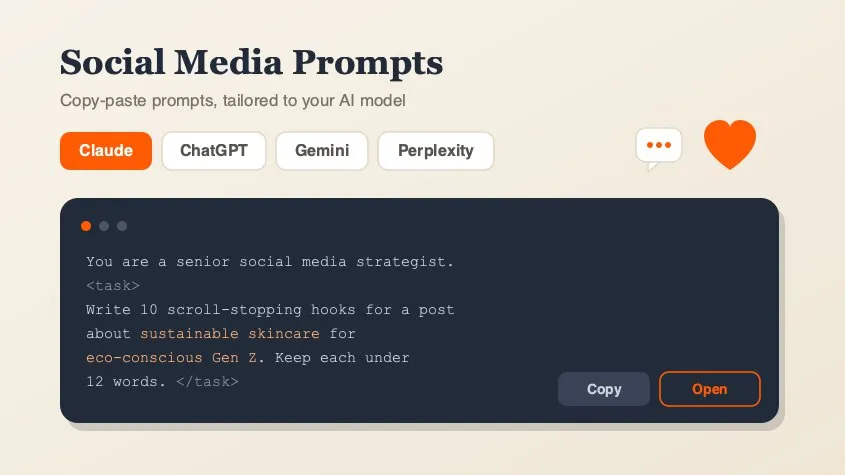
Social Media Marketing Prompt Generator
A free library of copy-paste AI prompts for social media marketing — post ideas, hooks, captions, hashtags, platform playbooks, content calendars, ad copy, analytics, and workflow loops. Tailored for Claude, ChatGPT, Gemini, Perplexity, or Grok and filled with your topic. Open any prompt in your AI tool in one click.
Design
QR Code Generator
Generate clean, scannable SVG QR codes from any URL or text. Add a logo, customize colors, eyes, and module shape, then download as SVG or PNG.