



llms.txt Generator
Enter your site and get a ready-to-publish llms.txt — the Markdown index that tells AI assistants like ChatGPT, Claude, and Perplexity what your site is and which pages matter. Built from your page metadata.
Understand
How this generator works
Point it at your domain and it maps your whole site in seconds — discovering your pages, reading their metadata, and assembling a clean, spec-compliant file in four steps.
- 1
Discover your pages
Reads your sitemap.xml — following index files and nested sitemaps to reach every URL — and crawls your homepage links when there's no sitemap.
- 2
Read every page
Fetches each page in parallel and parses the signals that define it: the <title>, meta description, Open Graph tags, and body copy.
- 3
Organize
Trims brand suffixes from titles, drafts a description from the body where one is missing, and groups URLs by path. The summary is the homepage description.
- 4
Assemble the file
Outputs Markdown that follows the llmstxt.org spec precisely, plus an optional llms-full.txt bundling each page's full text.
Pair it with our Rich Results Preview to round out your structured-data and AEO setup.
Benefits
Why publish an llms.txt
An llms.txt file is a simple Markdown index that tells AI assistants what your site is and which pages matter. As answer engines become a meaningful traffic source, it's becoming the robots.txt of the AI era — and almost no one has one yet.
Get cited by AI assistants
ChatGPT, Claude, Perplexity, and Gemini increasingly answer questions by reading the open web. A clean llms.txt hands them a curated map of your best pages, making your content easier to find, parse, and quote.
You control the narrative
Instead of letting a crawler guess what matters, you decide which pages and descriptions represent you. The summary and section structure are yours — the same way a good meta description shapes a search snippet.
Built from your existing metadata
The generator reads each page's title and meta description — the descriptions you already wrote for SEO — so the output reflects your site as it actually is.
First-mover advantage
The llms.txt standard is new and adoption is low. Publishing one now is cheap, future-proof insurance — and it signals to AI platforms that your site is structured, maintained, and worth reading.
Grouped from your URLs
Pages land in sections based on their URL paths, with titles and descriptions taken from the metadata you already published — so the index matches the site.
Copy, download, publish
Get a ready-to-use llms.txt in seconds. Drop it at the root of your domain (yoursite.com/llms.txt) and you're done — no build step, no plugin, no dependency to maintain.
FAQ
Frequently asked questions
What is an llms.txt file?
llms.txt is a Markdown file you place at the root of your domain (yoursite.com/llms.txt) that gives AI assistants a curated index of your site: a one-line summary, then sections of links with short descriptions. It's proposed at llmstxt.org as a companion to robots.txt and sitemap.xml, aimed at large language models rather than search crawlers.
What's the difference between llms.txt and llms-full.txt?
llms.txt is a compact index — a summary plus links and short descriptions — so an assistant can see your site's structure at a glance. llms-full.txt bundles the actual text content of every page into one file, for assistants that want to read everything without crawling. This tool generates both: download the index, the full file, or both.
How does this generator build the file?
It reads your sitemap.xml (or crawls your homepage links if there's no sitemap), then extracts each page's title, description, and body text — falling back to the page content when a meta description is missing — and organizes the URLs into sections. The file reflects your site as it actually is.
Where do I put the llms.txt file?
Upload it to the root of your domain so it's reachable at https://yoursite.com/llms.txt — the same place robots.txt lives. Most hosts let you drop a static file there directly; on frameworks like Astro, Next, or Hugo, add it to your public/static folder.
Will an llms.txt file improve my SEO or AI rankings?
It won't directly change Google rankings, but it makes your site easier for AI assistants to read, understand, and cite accurately — which matters as answer engines become a traffic source. Think of it as AEO (answer-engine optimization) hygiene, not a ranking hack.
Is my data private?
The tool only reads publicly accessible pages on the domain you enter — the same pages any visitor or search crawler can see. Nothing about you is stored; the generated file is returned to your browser and not saved on our servers.
Need a more robust, customized AI solution?
An llms.txt is a great first step. For deeper answer-engine optimization — structured data at scale, RAG-ready content pipelines, custom crawlers, or AI features built into your own product — hire a vetted AI engineer from Hire Digital and ship it properly.
Tools
More marketing tools
Tools and content carefully crafted by Hire Digital especially for you

SEO
Rich Results Preview & Schema Validator
Paste JSON-LD or page HTML and see live SERP rich-result previews for Article, Product, FAQ, Recipe, Event, Video, JobPosting, and more — with full Schema.org validation.

Design
QR Code Generator
Generate clean, scannable SVG QR codes from any URL or text. Add a logo, customize colors, eyes, and module shape, then download as SVG or PNG.

Marketing
Image Compressor
Compress and optimize JPG, PNG, and WebP images right in your browser using MozJPEG, libwebp, and OxiPNG. Reduce image file size without losing quality — no upload, no server.
SEO
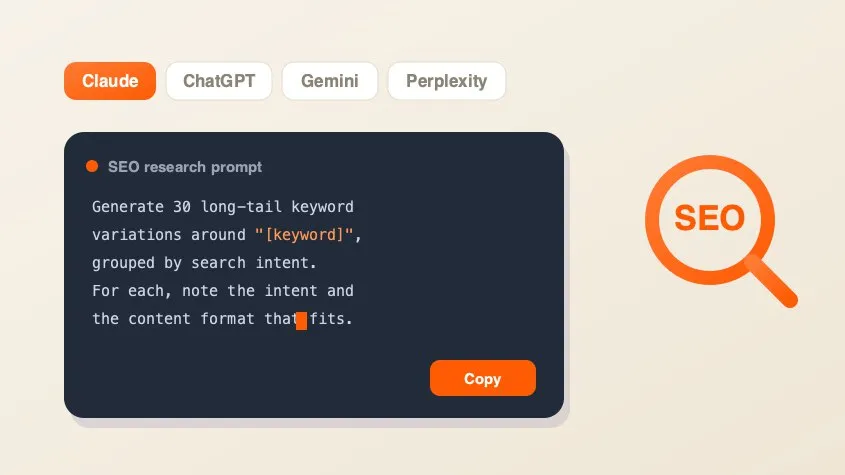
SEO AI Prompt Cheatsheet
A free library of copy-paste AI prompts for SEO research — keyword research, search intent, content briefs, competitor gaps, and metadata. Tailored for Claude, ChatGPT, Gemini, Perplexity, or Grok and filled with your keyword.
Marketing
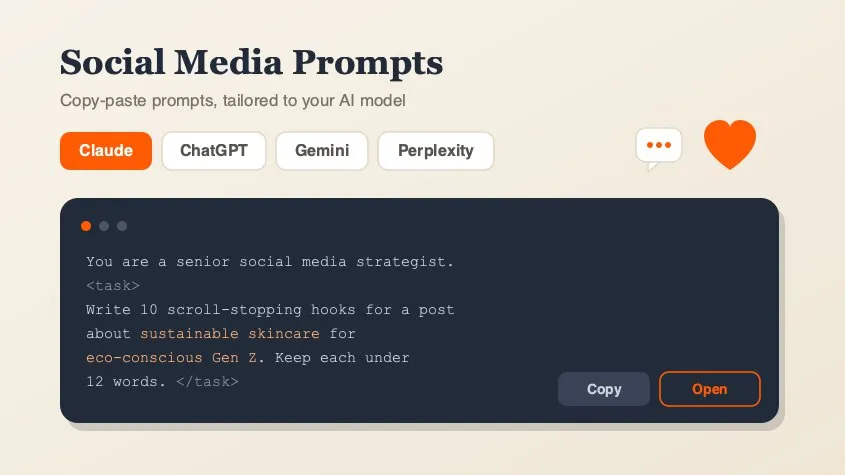
Social Media Marketing Prompt Generator
A free library of copy-paste AI prompts for social media marketing — post ideas, hooks, captions, hashtags, platform playbooks, content calendars, ad copy, analytics, and workflow loops. Tailored for Claude, ChatGPT, Gemini, Perplexity, or Grok and filled with your topic. Open any prompt in your AI tool in one click.

Design
Background Remover
Remove backgrounds from photos using an on-device AI model. Drop in a JPG, PNG, or WebP and get a transparent cutout in seconds. Nothing is uploaded.
Marketing
PDF Compressor
Compress and optimize PDFs in your browser by recompressing embedded images with MozJPEG. Reduce PDF file size for scans, presentations, and image-heavy documents. Files never leave your device.

Marketing
PDF Merger
Merge and combine multiple PDF files into one document, right in your browser. Reorder files before merging — lossless quality, no upload, no signup, no watermarks.