



PDF Merger
Merge and combine multiple PDF files into a single document, in the order you choose. Everything happens in your browser — your files are never uploaded, and every page keeps its original quality.
0 files
Merging happens locally in your browser. Your PDFs are never uploaded.
Benefits
Why merge PDFs in your browser
Combining PDFs is one of those tasks that comes up everywhere — applications, filings, reports, invoices — and most tools make you upload your documents to do it. This one doesn't.
One attachment, not five
A single merged PDF reads better than a zip or a string of attachments. Recipients open one file and see everything in the order you intended — no hunting through their downloads folder.
Portals want a single PDF
Job applications, visa submissions, court e-filing, insurance claims, and grant portals routinely accept exactly one document. Merging your cover letter, resume, and certificates into one PDF is the only way through.
Pages stay in your order
Reorder files before merging with a click. The combined document follows your list top to bottom, so the contract comes before the appendix and chapter two follows chapter one.
No quality loss
Pages are copied structurally, not rasterized or re-encoded. Text stays selectable, fonts stay sharp, images keep their original resolution, and vector graphics remain vectors.
Private by design
Merging happens entirely in your browser. Contracts, statements, and medical records are never uploaded, so there's no server copy to worry about and nothing for anyone to log or leak.
No caps or watermarks
Merge two files or twenty, as often as you like. There's no signup, no daily quota, and no "upgrade to remove watermark" pop-up — the whole tool runs on your hardware.
Understand
How this merger works
We use pdf-lib to parse each document and copy its pages — structurally, not visually — into a new PDF in your chosen order. Pages are never rasterized or re-encoded, so text stays selectable, fonts stay embedded, and images keep their exact original bytes. It's the same result a desktop tool produces, without installing anything.
Because the merge runs locally, there's no upload, no server queue, and no file-count quota — combine as many documents as your device's memory allows. If the merged file ends up too big to email, run it through our PDF Compressor next: together they turn a folder of scans into a single, send-ready document.
FAQ
Frequently asked questions
How do I merge PDF files into one?
Drop two or more PDFs onto the page, arrange them in the order you want with the arrow buttons, and click Merge PDFs. The combined file is generated in your browser and downloads directly — no upload, no waiting in a queue.
Is this PDF merger free?
Yes — completely free, with no signup, no watermarks, and no daily limits. Merging runs on your own device, so there's no server cost for us to recoup.
Are my PDFs uploaded to a server?
No. The merge happens entirely in your browser. Your documents never leave your device, which makes this safe for contracts, financial statements, and other confidential files.
Does merging PDFs reduce their quality?
No. Pages are copied structurally rather than re-rendered, so text stays selectable, fonts stay sharp, and images keep their original resolution. The merged PDF is the sum of its parts, byte for byte.
Can I control the order of the merged PDF?
Yes — the merged document follows your file list top to bottom. Use the up and down arrows on each file to reorder before merging. To reorder individual pages within a file, split it first and merge the pieces.
Is there a limit on file size or number of files?
Each file can be up to 100 MB and there's no limit on how many you merge — the practical ceiling is your device's memory. Password-protected PDFs can't be merged; remove the password first.
Tools
More marketing tools
Tools and content carefully crafted by Hire Digital especially for you
Marketing
PDF Compressor
Compress and optimize PDFs in your browser by recompressing embedded images with MozJPEG. Reduce PDF file size for scans, presentations, and image-heavy documents. Files never leave your device.
Marketing
Image Compressor
Compress and optimize JPG, PNG, and WebP images right in your browser using MozJPEG, libwebp, and OxiPNG. Reduce image file size without losing quality — no upload, no server.
Design
QR Code Generator
Generate clean, scannable SVG QR codes from any URL or text. Add a logo, customize colors, eyes, and module shape, then download as SVG or PNG.

SEO
Rich Results Preview & Schema Validator
Paste JSON-LD or page HTML and see live SERP rich-result previews for Article, Product, FAQ, Recipe, Event, Video, JobPosting, and more — with full Schema.org validation.
SEO
llms.txt Generator
Generate an llms.txt file for your site — the Markdown index that tells ChatGPT, Claude, and Perplexity what your pages are. Crawls your sitemap and builds a clean index from your real page metadata.
SEO
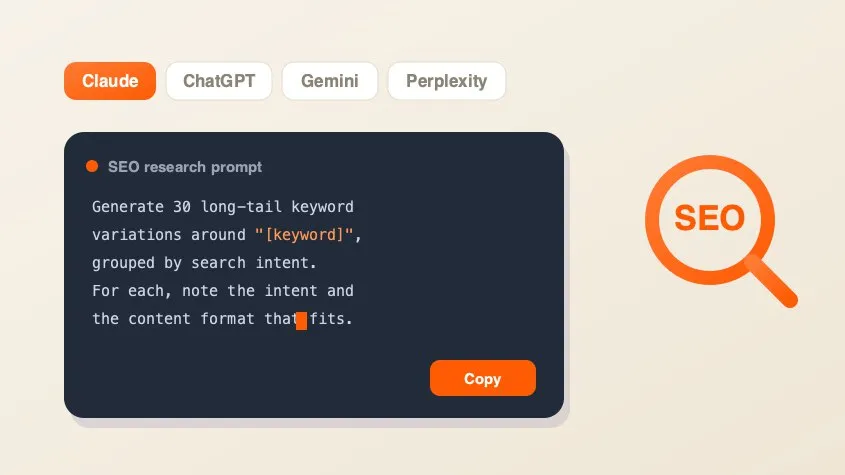
SEO AI Prompt Cheatsheet
A free library of copy-paste AI prompts for SEO research — keyword research, search intent, content briefs, competitor gaps, and metadata. Tailored for Claude, ChatGPT, Gemini, Perplexity, or Grok and filled with your keyword.
Marketing
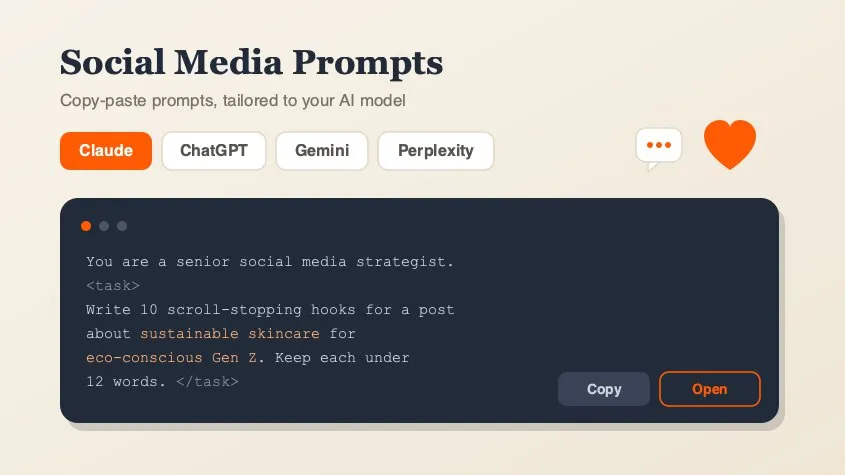
Social Media Marketing Prompt Generator
A free library of copy-paste AI prompts for social media marketing — post ideas, hooks, captions, hashtags, platform playbooks, content calendars, ad copy, analytics, and workflow loops. Tailored for Claude, ChatGPT, Gemini, Perplexity, or Grok and filled with your topic. Open any prompt in your AI tool in one click.
Design
Background Remover
Remove backgrounds from photos using an on-device AI model. Drop in a JPG, PNG, or WebP and get a transparent cutout in seconds. Nothing is uploaded.